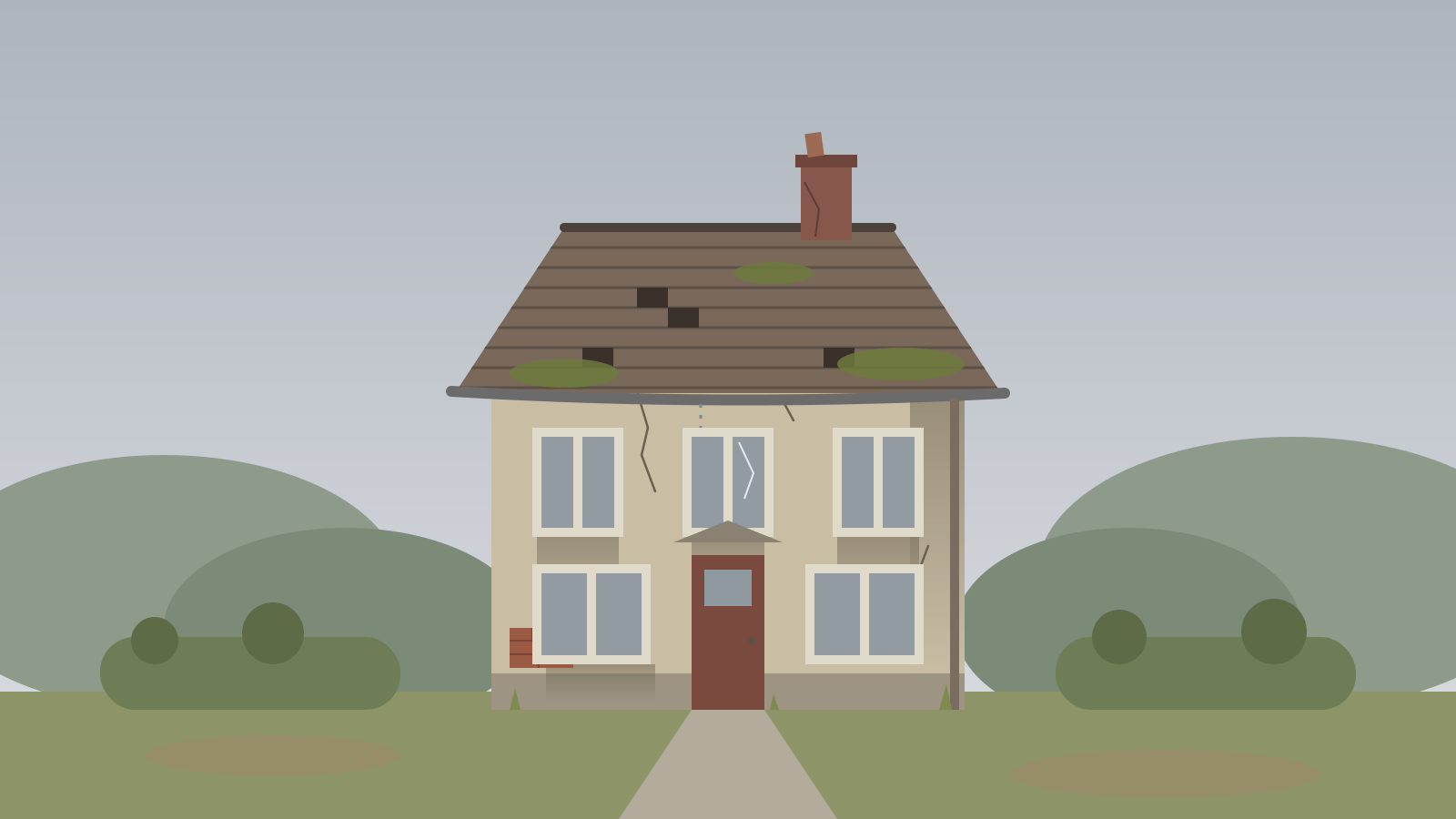
ARN Before / After is a Vendix Pro Elementor widget that places two images on top of each other and lets visitors drag a handle to compare them. It offers five layouts, works with a pointer, touch or the arrow keys and arrives with a sample facade renovation.

Pro · Images & Media · All widgets

Each example below is the same widget with a different Layout setting. Drag the handle to compare.

The after image is revealed from the side as the handle moves across.

Before renovation
After renovation
Before renovationAfter renovation

The handle moves up and down, for changes that read from top to bottom.

Before renovation
After renovation
Before renovationAfter renovation

A side-to-side comparison whose handle shows arrows in both directions.

Before renovation
After renovation
Before renovationAfter renovation

The comparison sits in a white frame with a fine inner line and a soft shadow, like a mounted print.

Before renovation
After renovation
Before renovationAfter renovation

Large rounded corners, a soft shadow and frosted labels along the bottom edge.

Before renovation
After renovation
Before renovationAfter renovation
  • Images and labels: a before image, an after image and a label for each. The labels are also used as the images' alternative text.
  • Initial position: where the handle starts, from 5% to 95%; the image focus can be set to center, top, bottom, left or right.
  • Height: separate heights for desktop, tablet and phone (520, 440 and 340 px by default).
  • Handle and labels: handle color and size, label background, color and typography, and corner radius.
  • Section heading: an optional upper title, title, subtitle and description above the comparison.
  • Keyboard: the handle is a slider that screen readers announce; the arrow keys move it.

Reviewed against Vendix Pro 1.13.0 · Last updated 21 October 2026