Image Slider
ARN Image Slider is a Vendix Pro Elementor widget that shows one image at a time with an optional title, description and button. Each slide can use a separate image for desktop, tablet and phone, and the widget arrives with three sample interior design projects.
Pro · Images & Media · All widgets
Examples
Each example below is the same widget with a different Transition setting. Use the arrows, the dots, a swipe or the arrow keys to change images.
Fade
The next image fades in over the current one.

Harbour Street Loft
A 1920s warehouse floor opened up with oak, lime plaster and one long steel window.
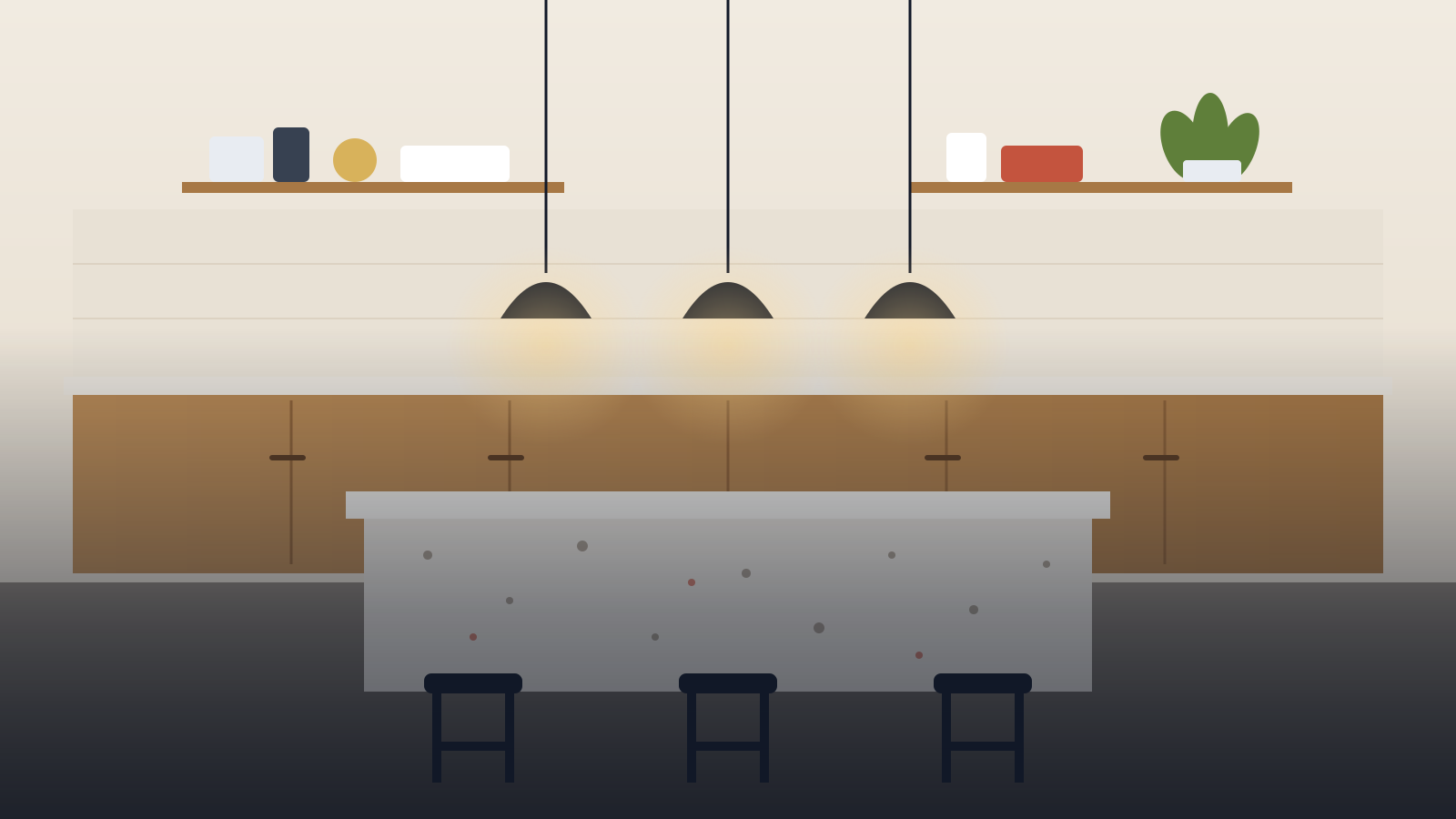
Vale House Kitchen
Oiled oak cabinets, a terrazzo island and pendant lights hung low over the counter.

Linden Flat Reading Corner
A deep armchair, a brass floor lamp and shelves built into the wall beside an arched window.
Horizontal Slide
The images move sideways, and the next one comes in from the end side.
Harbour Street Loft
A 1920s warehouse floor opened up with oak, lime plaster and one long steel window.
Vale House Kitchen
Oiled oak cabinets, a terrazzo island and pendant lights hung low over the counter.
Linden Flat Reading Corner
A deep armchair, a brass floor lamp and shelves built into the wall beside an arched window.
Settings
- Slides: a desktop, tablet and phone image, alt text, a title, a description, a button text and a link for each slide. When the alt text is empty, the alt text of the media library image is used.
- Playback: autoplay with a 5000 ms delay, pause on hover and while touching, loop, and a 650 ms transition by default.
- First load animation: Fade up, Fade, Zoom or None for the first slide when the slider comes on screen.
- Image layout: a height of 520, 420 and 300 px on desktop, tablet and phone by default; object fit Cover, Contain or Fill, with a horizontal and vertical image position.
- Content position: the slide text sits at the start, center or end and at the top, middle or bottom (bottom start by default), with its own width, text alignment and overlay color.
- Section heading: an optional upper title, title, subtitle and description above the slider.
Reviewed against Vendix Pro 1.13.0 · Last updated 21 October 2026