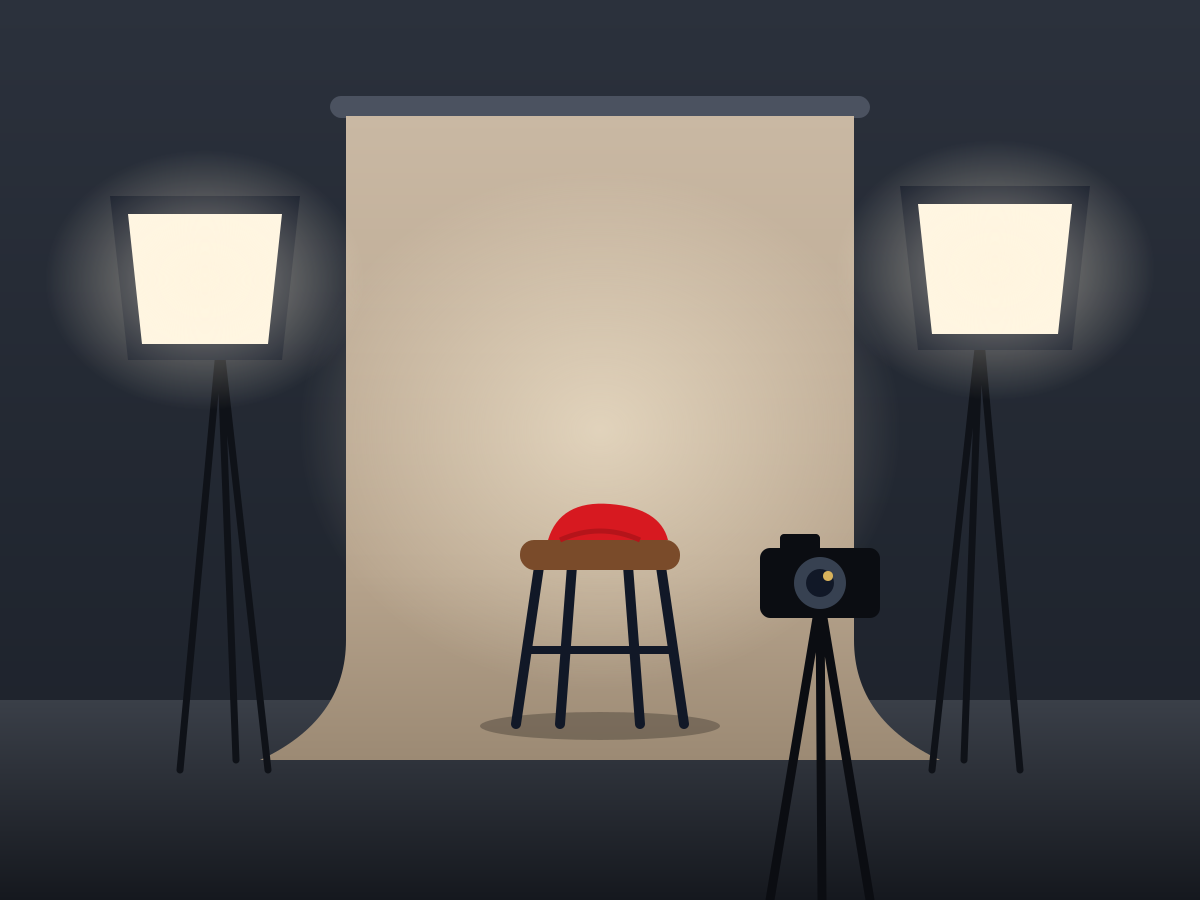
ARN Interactive Image Card is a Vendix Pro Elementor widget that places a title, text and a link over an image and reveals or moves them when a visitor points at the card. It offers 12 effects and three shapes, and it arrives with a sample photo studio drawing.

Pro · Images & Media · All widgets

Each example below is the same card with a different Effect setting. Point at a card to play its effect.

The title stays in view, and the description and link rise into place as they fade in.

A photo studio with two softbox lights, a stool in front of a paper backdrop and a camera on a tripod

Portrait sessions

Natural light, a choice of backdrops and edited photos within a week.Book a session

The text waits slightly toward the start side at reduced opacity, then slides into place at full strength.

A photo studio with two softbox lights, a stool in front of a paper backdrop and a camera on a tripod

Portrait sessions

Natural light, a choice of backdrops and edited photos within a week.Book a session

The dark gradient behind the text opens outward from a line across the middle of the card.

A photo studio with two softbox lights, a stool in front of a paper backdrop and a camera on a tripod

Portrait sessions

Natural light, a choice of backdrops and edited photos within a week.Book a session

A thin line frame appears 18 px inside the edges of the card and settles into place.

A photo studio with two softbox lights, a stool in front of a paper backdrop and a camera on a tripod

Portrait sessions

Natural light, a choice of backdrops and edited photos within a week.Book a session

The image zooms in to 110% behind the text.

A photo studio with two softbox lights, a stool in front of a paper backdrop and a camera on a tripod

Portrait sessions

Natural light, a choice of backdrops and edited photos within a week.Book a session

The gradient behind the text is lighter at rest and deepens to full strength.

A photo studio with two softbox lights, a stool in front of a paper backdrop and a camera on a tripod

Portrait sessions

Natural light, a choice of backdrops and edited photos within a week.Book a session

The image turns over like a card, and the text appears on its back in the panel color.

A photo studio with two softbox lights, a stool in front of a paper backdrop and a camera on a tripod

Portrait sessions

Natural light, a choice of backdrops and edited photos within a week.Book a session

The image turns slightly and grows while the text turns and scales into place from below.

A photo studio with two softbox lights, a stool in front of a paper backdrop and a camera on a tripod

Portrait sessions

Natural light, a choice of backdrops and edited photos within a week.Book a session

Two panels swing in from the left and right sides like doors and carry the text.

A photo studio with two softbox lights, a stool in front of a paper backdrop and a camera on a tripod

Portrait sessions

Natural light, a choice of backdrops and edited photos within a week.Book a session

The text slides in from the nearer edge on its own semi-transparent panel.

A photo studio with two softbox lights, a stool in front of a paper backdrop and a camera on a tripod

Portrait sessions

Natural light, a choice of backdrops and edited photos within a week.Book a session

Two accent lines run around the edge of the card, the image zooms in a little and the text rises into view.

A photo studio with two softbox lights, a stool in front of a paper backdrop and a camera on a tripod

Portrait sessions

Natural light, a choice of backdrops and edited photos within a week.Book a session

A panel drops from the top over the image, and the text comes down into view with it.

A photo studio with two softbox lights, a stool in front of a paper backdrop and a camera on a tripod

Portrait sessions

Natural light, a choice of backdrops and edited photos within a week.Book a session
  • Content: an upper label, a title, a description and a button or link text. The link can sit on the text or cover the entire card.
  • Shape: Rectangle with a minimum height of 420 px by default, or Square and Circle, which take their height from their width.
  • Content position: Top Left, Top Center, Top Right, Center, Bottom Left, Bottom Center or Bottom Right; Bottom Left by default.
  • Phones and touch screens: the text is always visible on phones by default, or it can wait for a tap or focus. With Flip, Rotate In, Doors, Sliding Panel, Rotating Border and Curtain, always visible also applies to tablets and other touch screens.
  • Colors: an overlay color or gradient, a panel color for Flip, Doors, Sliding Panel and Curtain, and a border color for Rotating Border. Empty colors follow the design system.
  • Keyboard: the card can take keyboard focus, and every effect except Minimal Fade also plays on focus. Visitors who ask for reduced motion see the changes without movement.

Reviewed against Vendix Pro 1.13.0 · Last updated 21 October 2026