
Optimize What Your Website Needs Without Reprocessing Everything.
WebPix analyzes your WordPress media library, creates WebP and AVIF files only when needed, and protects every original. Optimize existing media, new uploads, and generated sizes through controlled bulk processing and reliable browser delivery.
BEYOND MANUAL CARD PRODUCTION
Image Optimization Built Around Your Library
WebPix is a WordPress image optimization platform that analyzes your media library, converts only what’s missing into modern formats, and protects your originals, giving you full control over how optimized assets are stored and delivered.
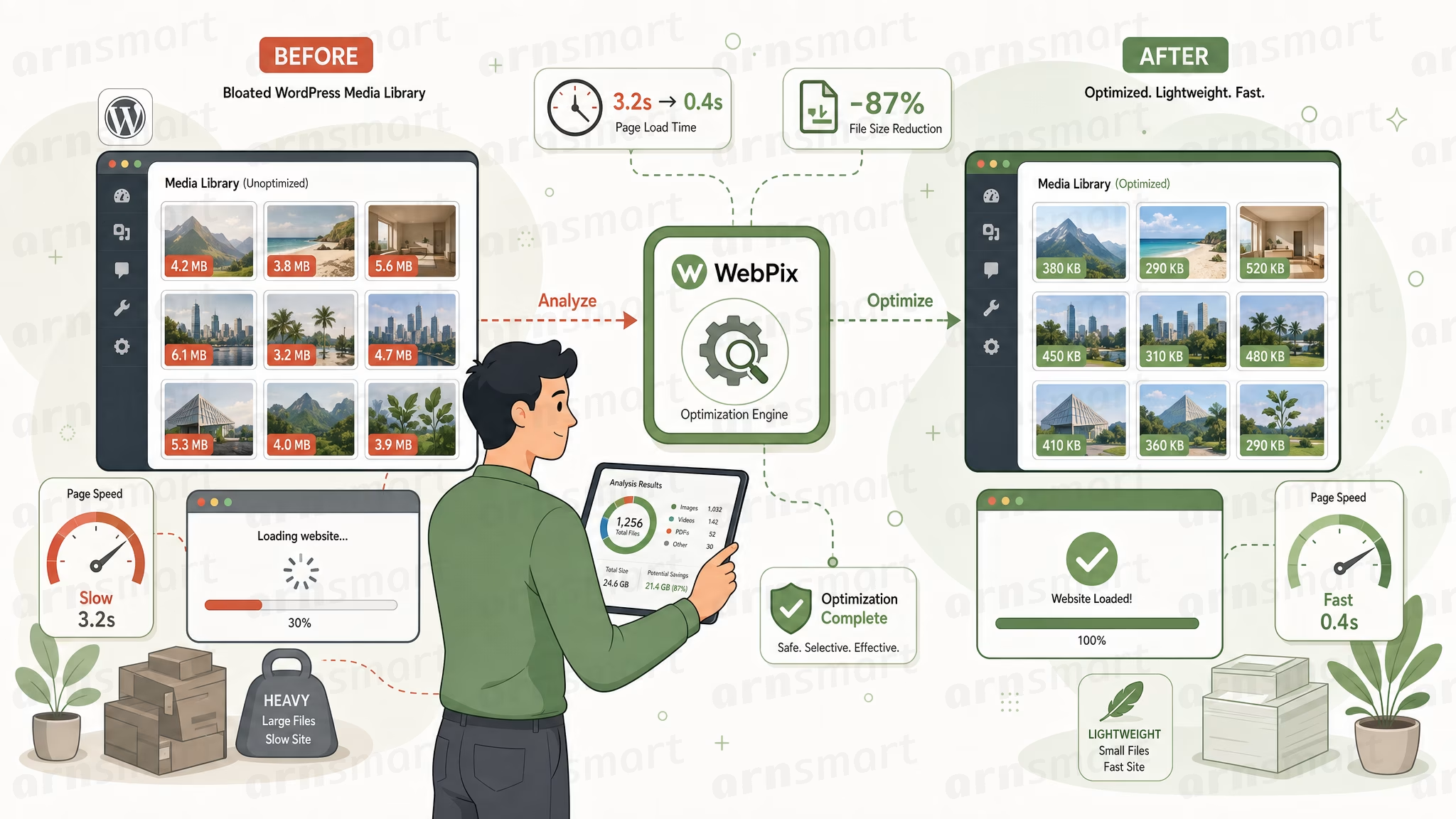
FROM MEDIA DISCOVERY TO RELIABLE DELIVERY.
ONE IMAGE INTELLIGENCE PLATFORM CONTROL THE COMPLETE OPTIMIZATION LIFECYCLE

KNOW WHAT NEEDS ATTENTION BEFORE PROCESSING BEGINS
WebPix turns a complex WordPress media library into a clear picture of what exists, what is missing and what needs attention. Teams can understand real coverage before taking action, avoiding blind processing and making better decisions about where optimization work should begin.
REDUCE IMAGE WEIGHT WITHOUT SACRIFICING THE ORIGINAL
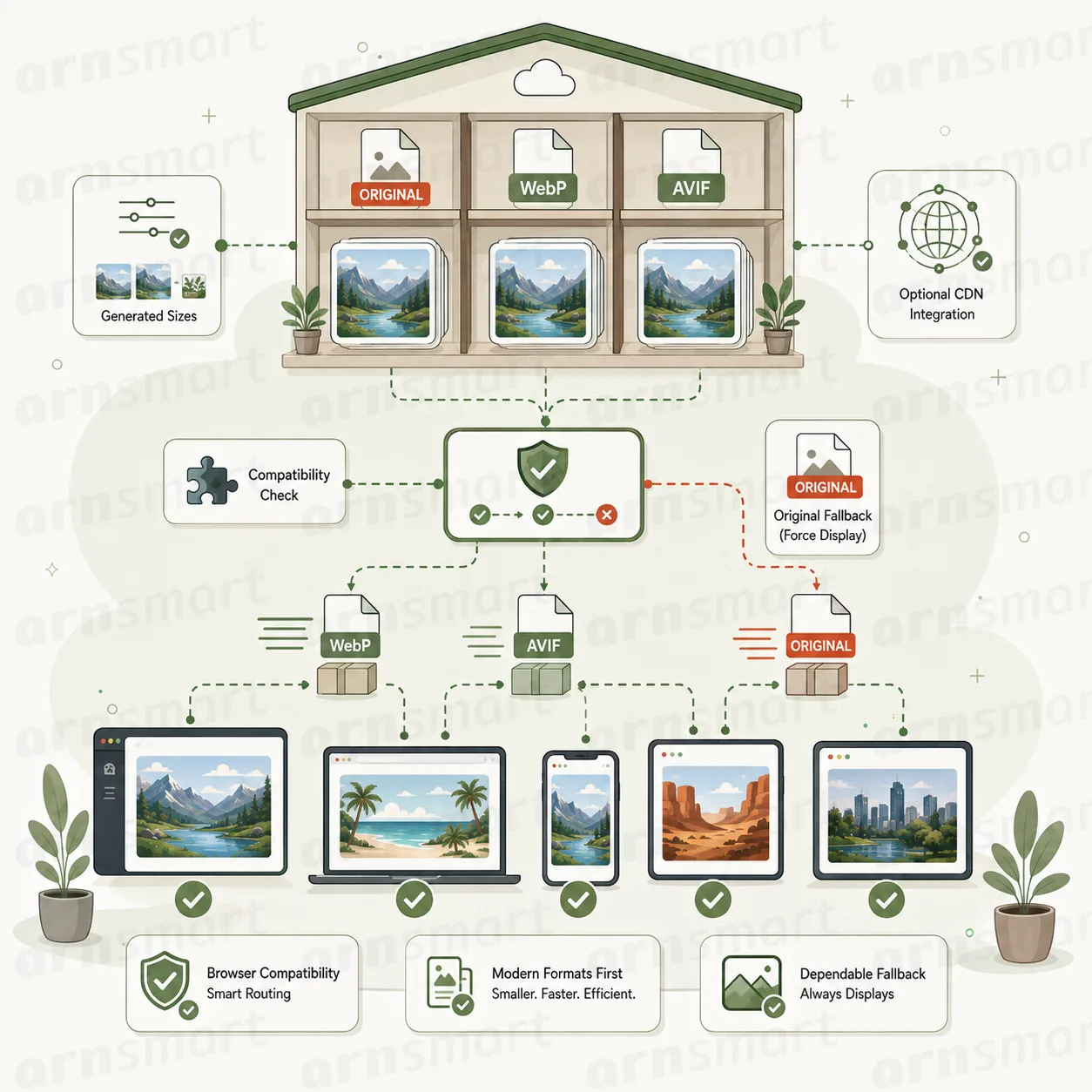
WebPix creates modern alternatives while keeping original images safely available. Teams can balance visual quality, file size and compatibility for each project, modernizing both new uploads and existing media without forcing one quality decision across every image or format.


PROCESS LARGE LIBRARIES WITHOUT LOSING CONTROL
WebPix keeps large optimization runs understandable from start to finish. Teams can see what is waiting, active, completed or failed, control how much work runs at once and recover individual problems without restarting successful operations or losing confidence in the overall result.
KEEP EVERY PAGE FAST, STABLE, AND READY TO LOAD
WebPix helps visitors reach fully rendered pages faster while keeping image delivery dependable across devices and browsing conditions. Teams gain meaningful performance improvements without introducing fragile front-end behavior, allowing stores, campaigns, and content-heavy websites to remain responsive as their image libraries and traffic grow.
KEEP PROCESSING AND STORAGE ALIGNED WITH REAL DEMAND
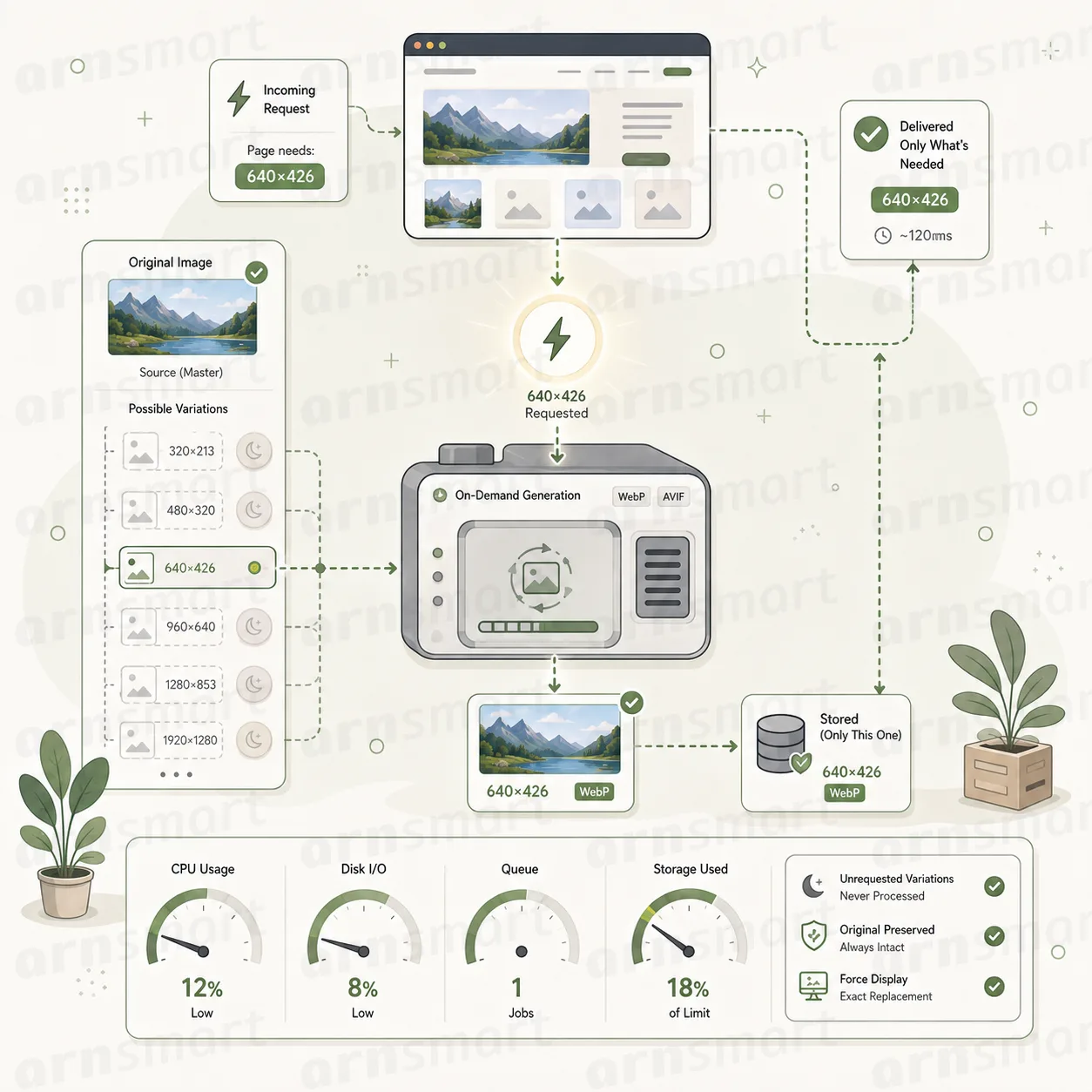
WebPix lets optimization activity follow actual website use instead of preparing every possible image variation in advance. Teams avoid unnecessary processing, keep queues smaller, slow storage growth, and preserve server capacity while visitors still receive the exact image required for each page.
STOP GENERATING IMAGE FILES NOBODY REQUESTS.
Optimize according to real website demand—not theoretical media volume.
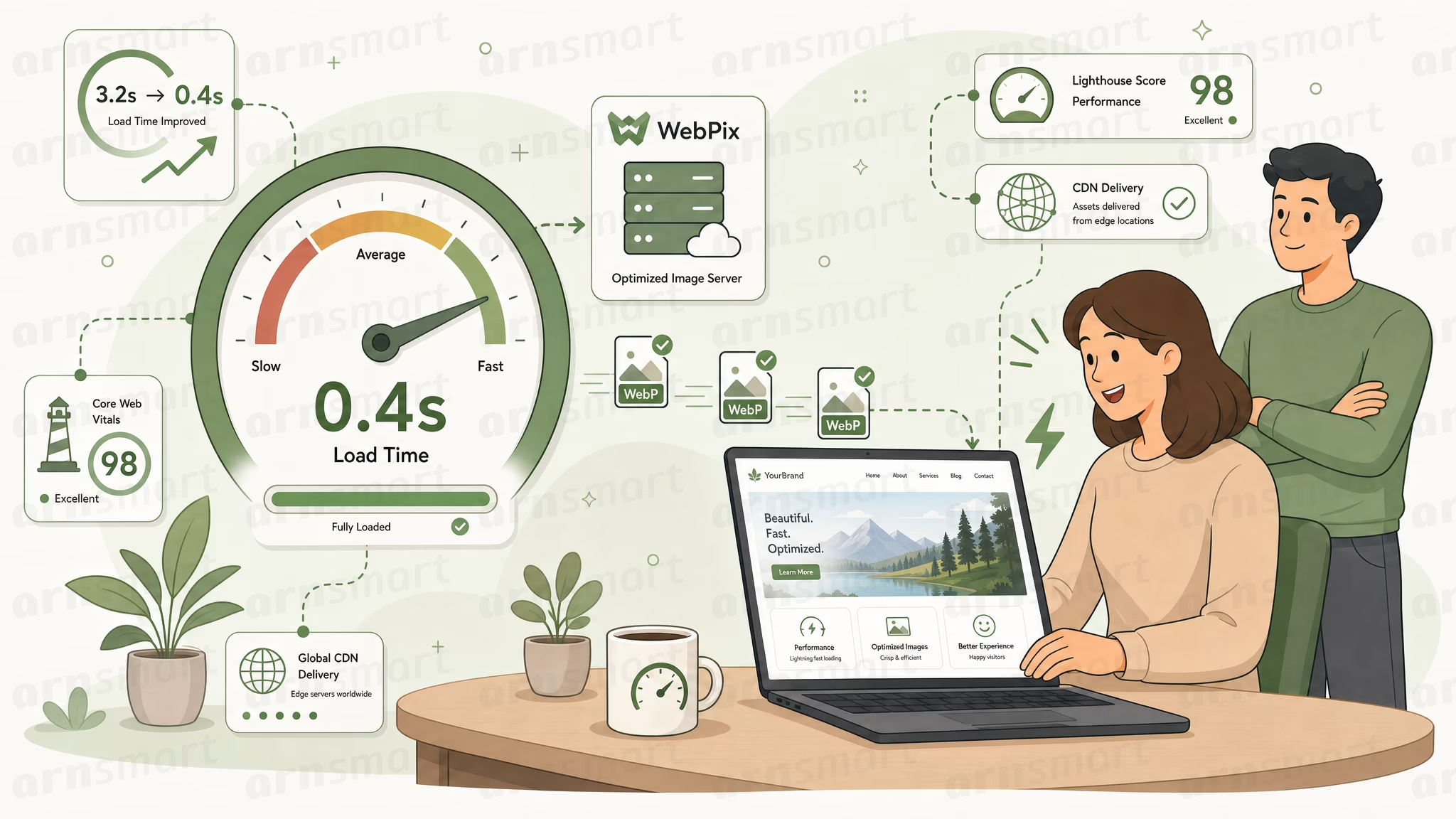
NOT EVERY IMAGE. JUST THE ONES THAT NEED IT.
Analyze the real Media Library, protect completed assets, generate missing formats selectively, and create specific variations only when the website requests them.
WEBPIX FREE AND PRO
Start Free. Upgrade When You Need Complete Automation, AVIF, On-Demand Processing, and Delivery Control.
WebPix Free provides the essential foundation for analyzing supported WordPress media, generating WebP files, protecting original images, and understanding basic optimization coverage.
WebPix Pro expands this foundation with AVIF generation, automatic processing, bulk queues, request-driven optimization, deeper coverage reporting, advanced delivery controls, maintenance, and recovery.