

CONNECT OBSERVED ACTIVITY WITH THE HISTORY AVAILABLE TO REVIEW
Monitoring & Site Health
SiteWatch Monitoring & Site Health inspects up to five selected public page paths and their assets, recorded events, WordPress HTTP API requests, observed file changes, captured PHP errors and storage footprint for site maintainers.
Site Health
Check selected public paths and their referenced assets.
Configure up to five public page paths and inspect supported CSS, JavaScript and image responses within the available budget. Explicitly allow appropriate external asset hosts.
Optional REST-index and native-form ticket probes add supported service checks without completing a real form submission.
A health result describes the inspected paths and assets. Transactional checkout, actual email receipt and every private page need their own appropriate checks.

Live Events
Review the activity recorded while the journal is available.
The bounded live stream refreshes retained recorded events while visible. Use it during investigation to connect an observed condition with its available event context.
Journal collection and retention define the coverage. Events before the collector was active or outside its supported hooks may be absent.
Keep a live view useful by filtering the relevant scope rather than treating a large list as a complete history of the website.
Outbound Connections
See supported destinations with their initiating context.
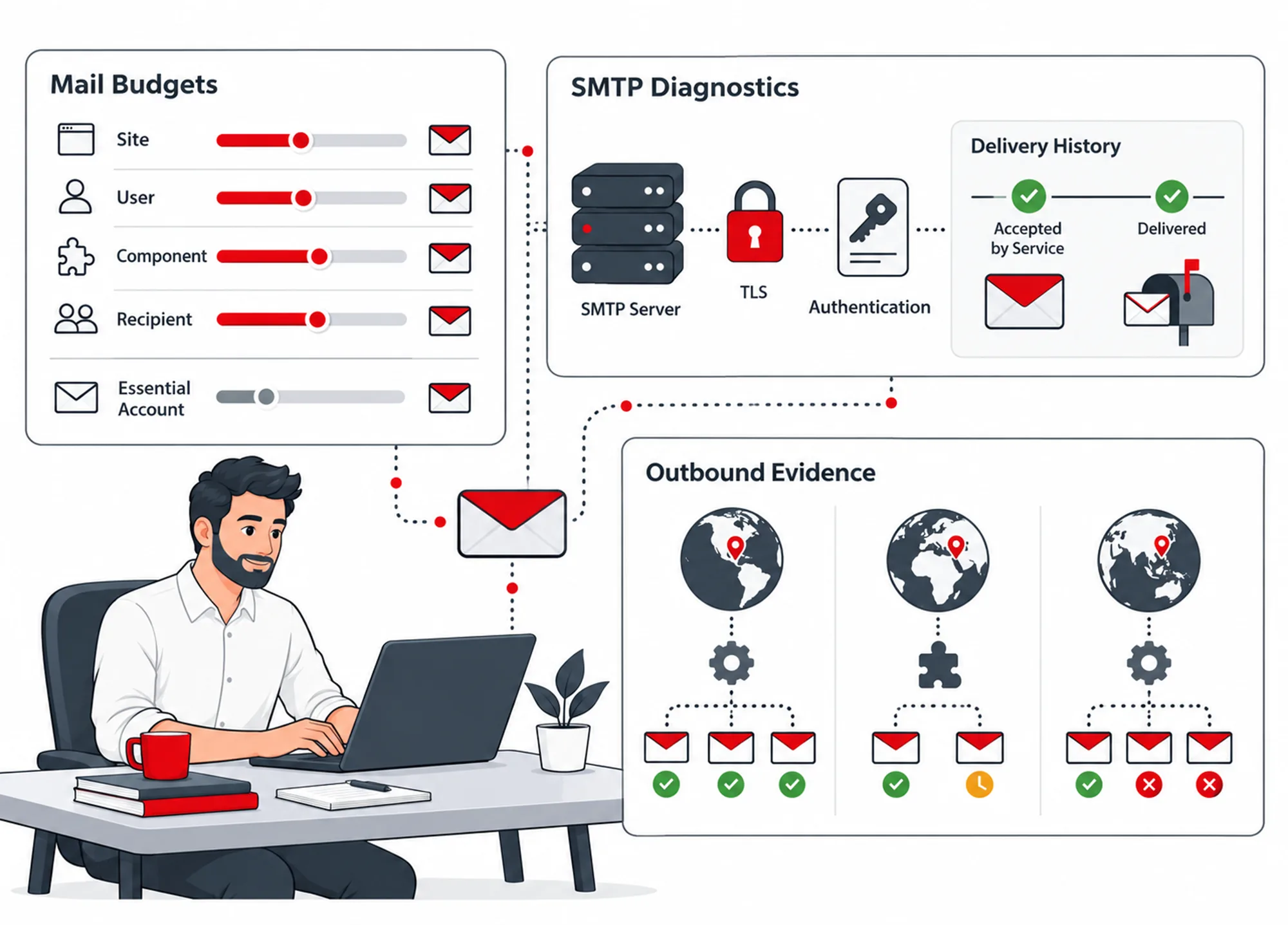
Record WordPress HTTP API destination/method/status information and available plugin/theme context. Review inferred field categories without retaining submitted field values or secret-bearing request content.
Declared producer-domain relationships remain distinct from independently reviewed source evidence. Optional public RDAP lookup can add domain context when requested.
Review selected hosts before applying an explicit blocking policy. Direct SDK sockets and browser requests are separate from the WordPress HTTP API journal.
File Changes
Treat timing as context for investigation.
Review observed supported file changes alongside retained update and event information. Follow a relevant difference into the integrity/investigation workspace for its reference comparison.
A nearby update is useful context. It does not establish who authored the change or prove its cause.
Keep the completed baseline and collection scope visible when comparing current and earlier file state.
Scheduled file inspection. A changed-files inspection runs daily at 01:00 site time by default, without email, so files written straight to the server, for example by FTP or into mu-plugins or uploads, reach File Changes without a manual scan. A saved choice of Off, Hourly or Daily is kept; the setting is in Reports & Events → Notifications. On a multisite network only the main site runs it, because every site shares wp-content.
Event scans. After a plugin, theme, language or update event, the next change scan reads only the affected folders and lists uploads for PHP files. Media uploads do not start a scan.
Symlinks and development folders. Symlinks and .git, .svn or node_modules folders are not followed. Each one is listed as an informational finding, a symlink with its target, and the scan still completes and moves the baseline forward. Unreadable files, unavailable folders or the 250,000-file limit still produce a partial report that keeps the previous baseline.
PHP Errors
Review the errors the active collector captured.
Inspect supported recorded PHP errors after collection begins. Use the observed context to identify a component or recurring problem worth investigating.
A repeated notice is stored once per request with a repeat count, for up to 20 distinct notices per request; fatal errors are always kept.
Fatal startup errors, historical server logs and failures before the plugin loads may be outside this view. Retain hosting logs when the problem needs that wider context.
A captured error can explain an operational failure without automatically becoming a security incident.
Storage Footprint
Understand the site's storage before choosing a maintenance action.
Review the available directory, database and autoload footprint. Use the information to identify unusually large areas or candidates for a separate maintenance review.
This workspace is read-only. It does not automatically remove files, migrate the database or decide that large storage use proves malicious content.
Keep storage observations connected to the site's actual media, component and database needs.
Update Context
Recheck the operational scope around a software change.
Connect recorded update timing with later supported health observations. Where available, WebPix coordination separates its managed media scope from general asset checks.
Recovery navigation can open the installed DualFix Backup & Restore workspace for a separate recovery decision. SiteWatch does not perform that full backup restoration itself.
Review integration availability and retained observations before reporting an update as the proven cause of an outage.
A Practical Health Review
Select representative public paths, inspect failures and connect them with retained events. Follow the relevant source, file or service into its own review workflow, then recheck the affected scope.
Questions About Monitoring
Does it record every outgoing network request?
No. The described journal covers supported WordPress HTTP API requests, not all browser traffic or arbitrary direct socket use.
Does Storage Footprint clean the database?
No. It provides read-only context for a separate reviewed maintenance decision.
How many public pages can Site Health check?
Up to five public page paths can be configured, with supported CSS, JavaScript and image responses inspected within the available budget. External asset hosts must be allowed explicitly.
Does SiteWatch restore a backup after a failed update?
No. Recovery navigation can open the installed DualFix Backup & Restore workspace, but SiteWatch does not perform that full backup restoration itself.
Are files changed over FTP found without a manual scan?
Yes, at the next scheduled file inspection, unless it has been set to Off. It runs daily at 01:00 site time by default, or hourly if chosen; until then such a change is not visible, and its actor is recorded as unknown.
Continue the Review
Reviewed against SiteWatch 2.0.0 · Last updated 28 October 2026