

Your mail, backed up, protected and ready on every screen.
WEBMAIL FOR CPANEL AND WHM SERVERS
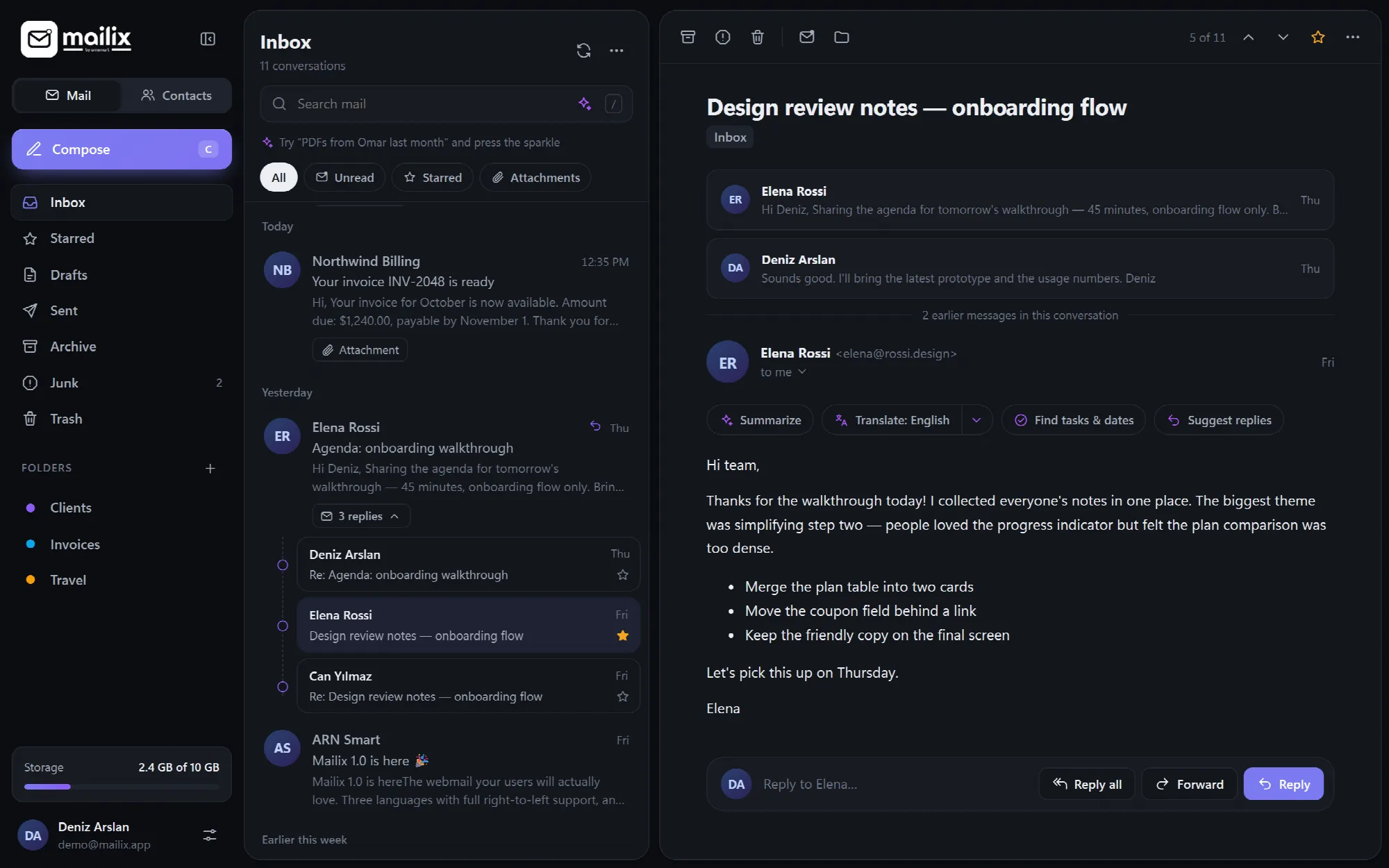
Mailix is a webmail application from ARN Smart for cPanel and WHM servers. It reads and sends the server's own mail in English, Turkish and Arabic, downloads yearly backup archives with an offline reader, protects sign-in with two-step verification and installs as an app on phones and computers.
- Backup archives: download any year of mail as a ZIP file that opens offline in its own reader, then free up mailbox space with an archive code.
- Two-step verification: authenticator codes, recovery codes, trusted devices and an optional rule for every mailbox of a company.
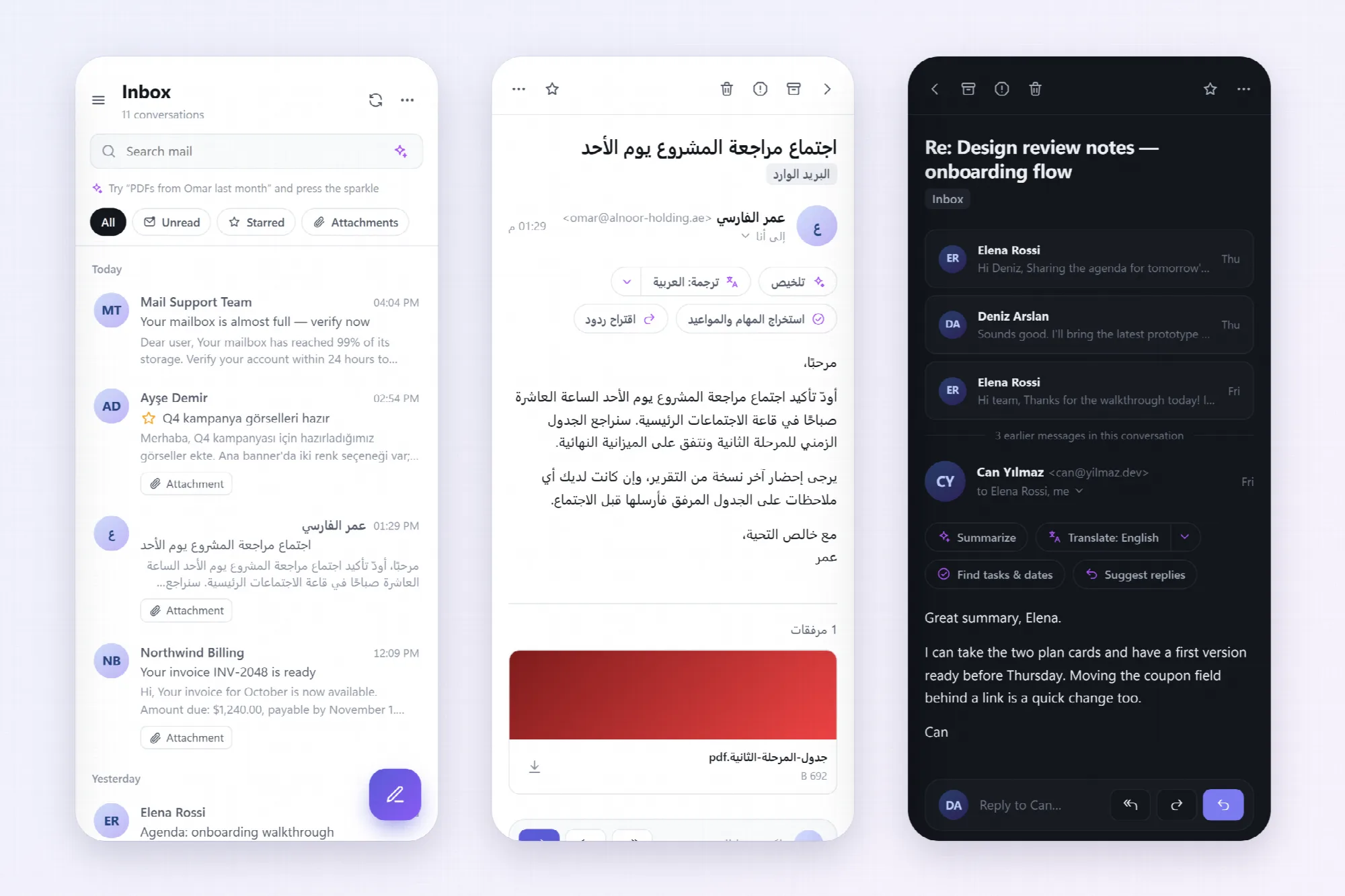
- Three languages, every screen: English, Turkish and Arabic with a full right-to-left layout, light and dark themes and an installable app.


Explore Mailix
-
Why Mailix
Explore Why MailixRead the case for Mailix in four parts: backup archives that open offline, an AI assistant on the company's own account, two-step verification and a modern interface.

-
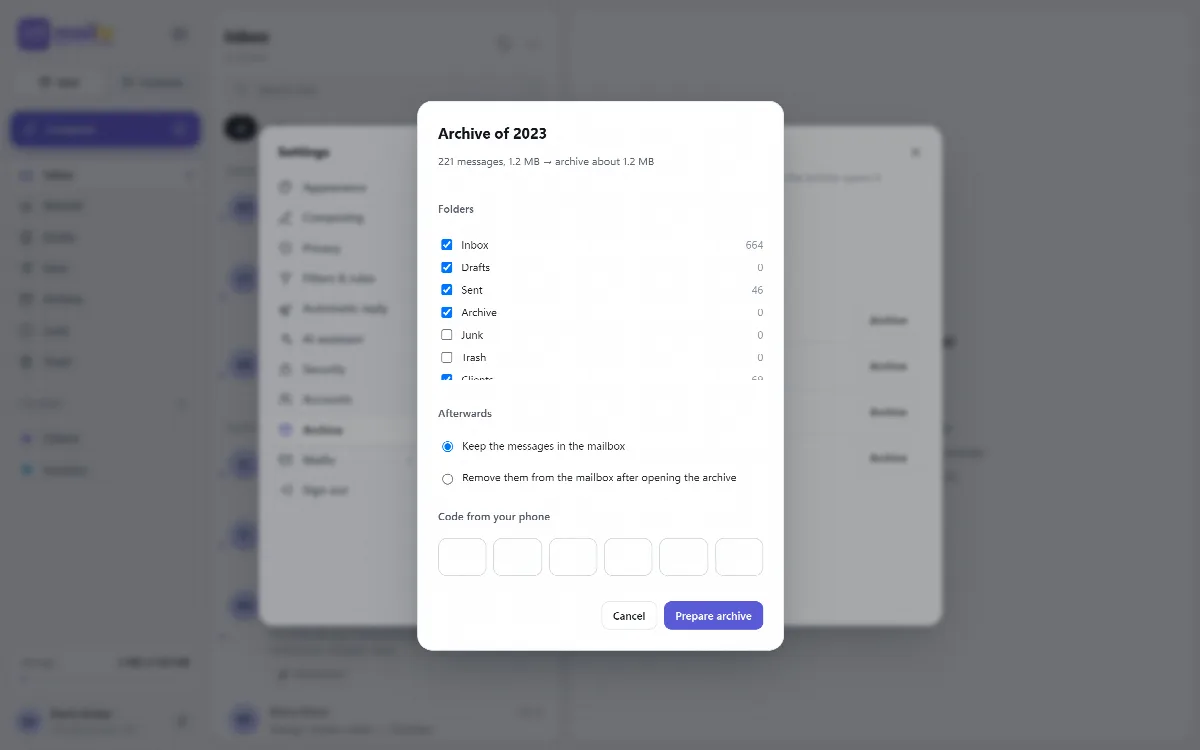
Archive & Backup
Explore Archive & BackupDownload a year or a date range as a ZIP file with an offline reader, remove archived mail with an archive code and put single messages back.
View the interface example

-
Security
Explore SecurityProtect sign-in with two-step verification, let the company require it, review signed-in devices and read HTML mail in a locked frame.
View the interface example


-
Languages & Mobile
Explore Languages & MobileUse English, Turkish or Arabic with full right-to-left support, choose a theme and accent colour and install Mailix as an app.
View the interface example


-
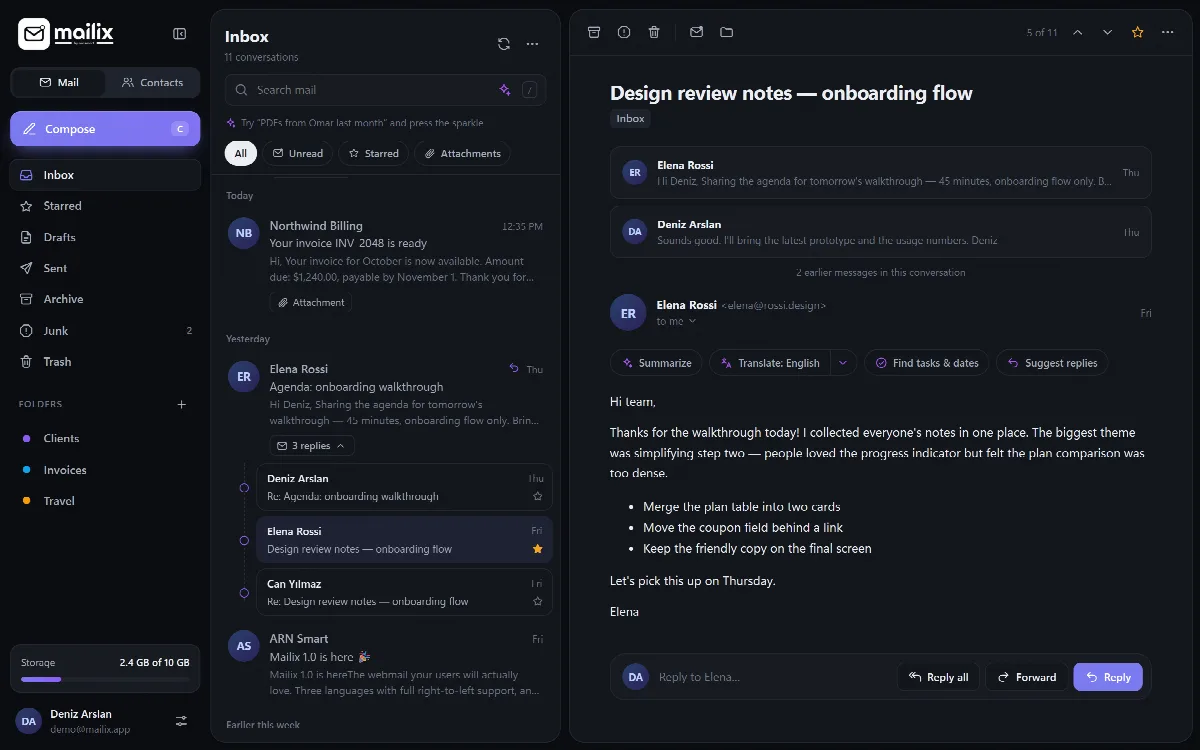
Mail
Explore MailRead conversations, search and filter, write rich messages with undo send, sync contacts with CardDAV and keep several accounts side by side.
View the interface example

-
Import
Explore ImportMove mail once from Gmail, Zoho or any IMAP server, or from Mailix archives and .mbox, .eml and .zip files.
View the interface example


-
AI Assistant
Explore AI AssistantConnect the company's own AI account for writing help, summaries, translation in 37 languages, suggested replies and phishing explanations.
View the interface example


-
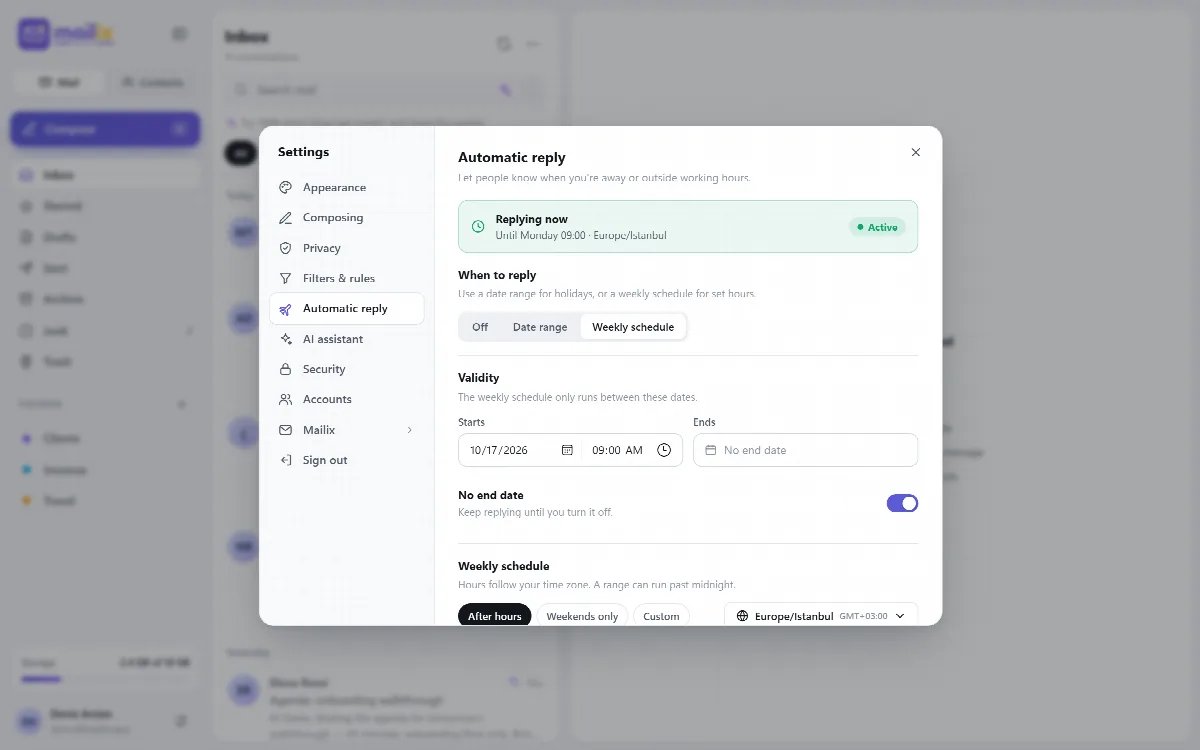
Automatic Reply & Filters
Explore Automatic Reply & FiltersAnswer mail for a date range or a weekly schedule, let the AI reply from company information and manage server filters.
View the interface example

-
Setup
Explore SetupInstall Mailix server-wide with one script or on a single domain, check the requirements and try the demo with sample data.
View the interface example




Give Every Mailbox a Safer Home
Mail is easier to keep when every year can be downloaded, every sign-in is protected and every user works in their own language. Install Mailix on your server and let each mailbox take its archive home.
Reviewed against Mailix 1.2.3 · Last updated 29 October 2026